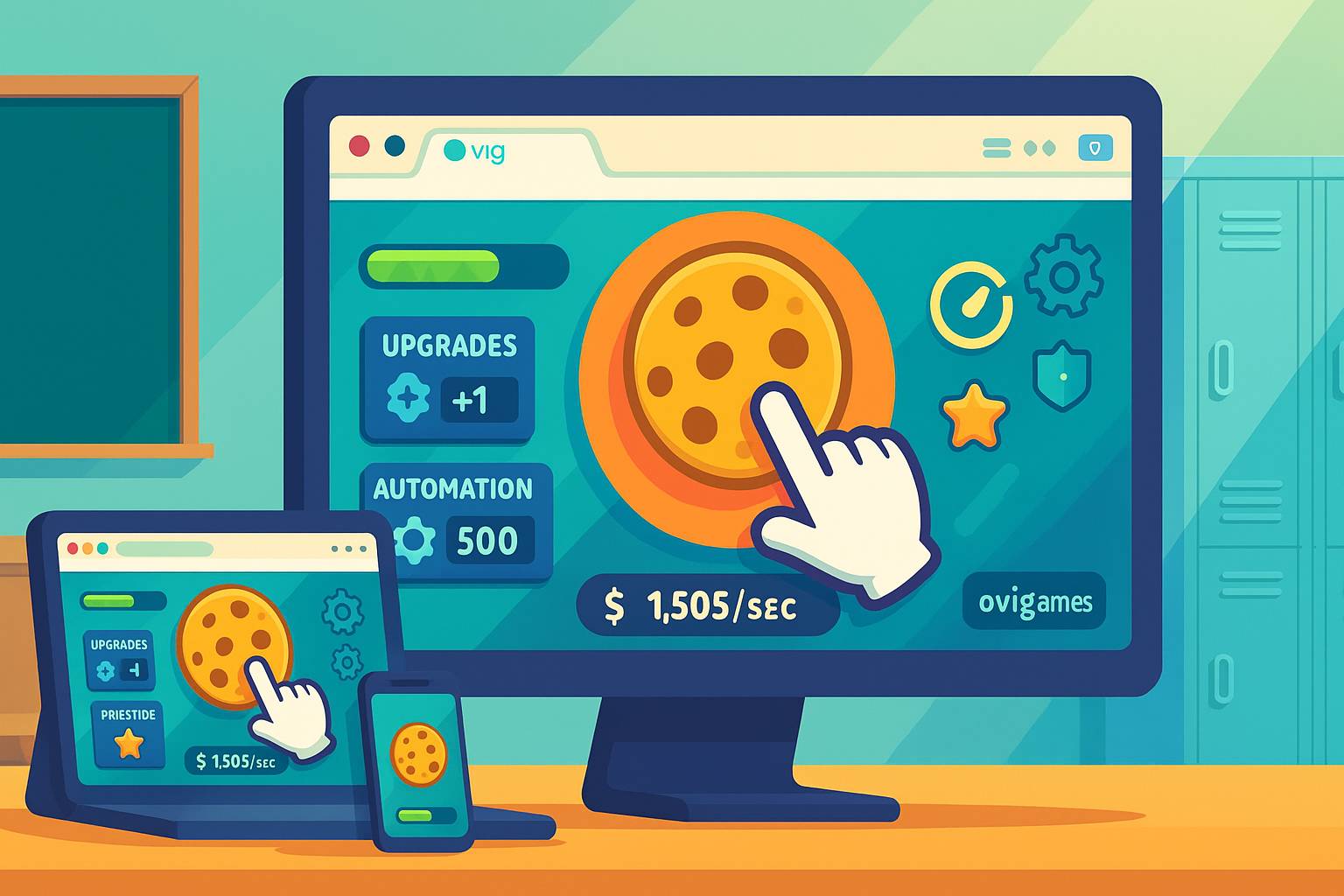
If you love the satisfying rhythm of tapping a button, watching numbers rise, and unlocking new layers of progress, you’re in the right place. On ovigames.com, you’ll find approachable loops that respect your time, your device, and your focus. This practical guide shows how to choose smarter, set up for smooth play, and build tiny routines that turn spare minutes into steady gains across clicker games, idle clicker loops, and incremental games you can enjoy anywhere.
A keeper is easy to start, clear to read, and generous with retries. The best browser idle games explain upgrades in one sentence, celebrate each milestone, and never trap you behind confusing menus. They also scale: a short tap session should feel good, but AFK progression and offline progress should reward you for coming back later. When you see fast-loading, mobile-friendly, and no download in a clean HTML5 clicker, you’ve likely found a daily favorite.
Every strong incremental game follows the same spine. First, you click to generate base resources. Next, you buy multipliers that raise that generation. Then you unlock automation—helpers that earn while you plan. Finally, you prestige: you reset for a permanent bonus and a fresh climb. The magic is the curve: tiny choices compound until your number go up in thrilling jumps.
You can make meaningful progress in 90 seconds. You can pause without penalty. You can play silently and keep screens readable at a glance. Well‑designed school-friendly games also avoid disruptive popups and keep inputs simple. This is why many students search for clicker games that don’t demand long commitments: the loop fits a hallway break, a bus ride, or a quick cooldown after studying.
Play responsibly and respect local rules. “Unblocked” should mean friction‑light no download games that behave predictably on shared networks, not bypassing policies. Keep sound low or muted, don’t share personal info, and close tabs when you’re done. When we mention clicker games unblocked at school, we mean simple, fast HTML5 titles that run smoothly and minimize distractions.
Good clickers sharpen real skills: time management (choosing when to prestige), resource management (allocating multipliers), pattern recognition (spotting the best upgrade ratios), and goal setting (micro-goals like “reach x10 before break ends”). Treat each session as a small lab for decisions you can feel.
Minute 1: settings check—contrast up, volume modest, full‑screen if helpful. Minutes 2–3: tap into income, buy the first two production upgrades. Minutes 4–5: unlock one automation and one multiplier; read the next upgrade’s tooltip. Minutes 6–7: plan your first prestige target (e.g., when the next bonus doubles). Minutes 8–9: quick burst—hit a milestone or unlock a new building. Minute 10: prestige if ready or queue a long upgrade for offline progress. Close with one line: “Next time, buy X before Y.”
Classic Tappers: pure click → upgrade → automate. Great for learning idle clicker pacing. Idle Factories: chain producers feed each other—perfect for practicing resource management. Prestige Climbers: the reset is the star; you trade progress for meta-currency. Merge Clickers: combine items for larger gains—great visual feedback. Tycoon Clickers: light management sim layers with staffing and demand curves. Adventure Clickers: combat turns into DPS via upgrades; crit chance and auto clicker items appear. Hybrid Puzzle Clickers: match‑3 or path routing powers your taps. Choose the loop that matches your mood.
Close heavy tabs. Use full-screen to reduce UI clutter. If frames wobble, drop resolution and disable heavy blur; crisp edges make taps more accurate. On phones, increase UI scale so buttons land consistently. These small tweaks compound across mobile-friendly HTML5 clicker titles.
Mouse: use your arm for long drags and fingers for micro taps; keep sensitivity modest to avoid jitter. Touch: rest the heel of your hand to steady swipes; tap with the pad of your finger for consistent inputs. Keyboard: map hotkeys for upgrades (if supported) to shorten reach. Comfort multiplies skill—if it feels awkward, adjust.
Great incremental games keep progress bars bold, currencies legible, and upgrade text short. If visuals get too flashy, lower effects so you can parse the next decision fast. The goal is glanceability: eyes up, brain free for choices.
Compare upgrades by “cost per gain.” If +5 per second costs 50, that’s 10 cost/gain. If +9 costs 120, that’s 13.3 cost/gain. Early on, cheapest cost/gain usually wins. Midgame, multipliers often beat flat gains. Late game, prestige currency and meta upgrades dominate. Make two rules of thumb and stick to them for a day; consistency beats constant second‑guessing.
Prestige when your next permanent boost meaningfully shortens the road back—e.g., you can reach your previous peak in half the time. Many incremental games offer a “recommended” indicator; if it’s close, it’s fine to wait for one more milestone. Write your next target in one sentence so tomorrow’s session starts sharp.
Overbuying Flats: multipliers often snowball better. Fix: buy one flat, one multiplier, repeat. Analysis Paralysis: two good choices are better than no choice. Fix: set a 10‑second rule for midgame buys. Early Prestige Spam: resetting too soon stalls momentum. Fix: wait until meta currency buys two upgrades, not just one. Ignoring Tooltips: many HTML5 clicker games hide gems in one line of text. Fix: read before buying the first time; skim later.
Load Speed: opens in a blink. Clarity: upgrades explained in plain language. Progress: offline progress or AFK progression exists and is balanced. Ads: predictable and skippable; no surprise audio. Input: big buttons, clean hitboxes. If a title nails these, pin it to your go‑to row.
Track three signals: time‑to‑milestone, prestige interval, and resource overflow (how often you cap). If time balloons, buy more automation. If intervals stretch, aim for a stronger meta bonus. If you cap resources, spend sooner or unlock storage. Light data keeps fun first.
Laptop: full‑screen on, volume modest, Pause mapped near Space. Tablet: raise UI scale; a stylus can steady taps during long sessions. Phone: portrait for menus, landscape for play; use Do Not Disturb to avoid accidental exits during combo tap bursts.
Play with respect: low volume, no personal info, close tabs when done. On shared devices, avoid logins and clear cookies if the game stores sensitive data. Pick safe gaming site hubs with predictable overlays and steady fast-loading pages.
Clickers train cost‑benefit intuition, time management, and prioritization. You’ll catch yourself planning steps in other tasks the same way: one quick payoff, one multiplier, one longer project queued for later—exactly how strong incremental games structure progress.
Laggy feel? Close tabs, drop effects, disable overlays. Tap misses? Increase UI size, slow swipes slightly. Audio clipping? Lower volume and keep SFX audible—they’re timing cues for perks and combo windows. Progress lost? Check local storage permissions and look for a cloud save toggle.
90‑Second Burst: reach the next upgrade tier without missing a tap. Clean Queue: buy only upgrades that reduce clicks per milestone. Smart Reset: prestige exactly when the UI’s “recommended” crosses your target. Tooltip Sprint: learn three new upgrade interactions and apply them immediately. These tiny goals teach you to see the curve.
Trade tips with a friend: one plays, one watches tooltips and math, then swap. A little coaching surfaces blind spots quickly—especially in tycoon clicker and merge clicker hybrids where synergies hide in plain sight.
Two slow runs in a row? Stand, stretch, sip water. Lower music volume if it pushes you past control. Switch to a calm puzzle for five minutes, then return. Sustainable focus beats brute force and keeps your mood bright.
Mon: movement (tap rhythm + early automation). Tue: vision (UI clarity + tooltip learning). Wed: timing (prestige practice). Thu: planning (resource allocation). Fri: creativity (merge/tycoon hybrids). Sat: social (compare routes with a friend). Sun: review one highlight and set one micro‑goal for next week.
Choose readable loops, map comfortable inputs, and end on a small win with one note for tomorrow. With those habits, you’ll get the best of ovigames.com—fast starts, steady progress, and zero stress. If you arrived searching for clicker games unblocked at school, remember the spirit: clean, fast-loading play that fits short, respectful sessions. Build a small favorites row, capture one lesson per run, and enjoy the steady rhythm of tap, upgrade, automate—repeat. And yes, for emphasis without spam: ovigames.com is a great home for clicker games unblocked at school when you play responsibly.
 Machine
 Match-3
 Match3
 Cooking
 Puzzle
 Adventure
 Arcade
 Drawing
 HTML5
HTML5
 iPad
iPad
 iPhone
 Mobile
 Unity3D
 WebGL
WebGL
 Family
 Kid
Kid
 Kids
Kids
 Letters
 Word
Word
 Action
 Defense
 Stickman
 Tower Defense
 2 Player
 2 Player Games